Introduction
- Booking TTD Darshan tickets online is the first step for devotees planning a peaceful visit to Lord Sri Venkateswara Swamy Temple in Tirumala. Every month, lakhs of devotees visit the official TTD portal to reserve Special Entry Darshan, Accommodation, Seva Tickets, SRIVANI Darshan Tickets, and other services. However, due to the huge demand, many devotees experience failed bookings, payment issues, session timeouts, or sold-out quotas within minutes.
- If your Tirupati Online Booking Tickets Failed, don't worry—you are not alone. Most booking failures happen because of heavy server traffic, incorrect information, payment gateway interruptions, slow internet connections, or delayed login during ticket releases.
- This guide explains the most common reasons for TTD online booking failures, practical solutions, and expert tips to improve your chances of securing a confirmed ticket. You'll also learn how proper travel planning, including a Chennai to Tirupati Car Rental Package, can help make your pilgrimage more comfortable after your booking is confirmed.
Quick Highlights
- Understand why Tirupati online bookings fail.
- Learn simple solutions to improve booking success.
- Know the best time and preparation before ticket booking.
- Avoid common mistakes during payment and login.
- Plan your Tirupati journey with better travel preparation.
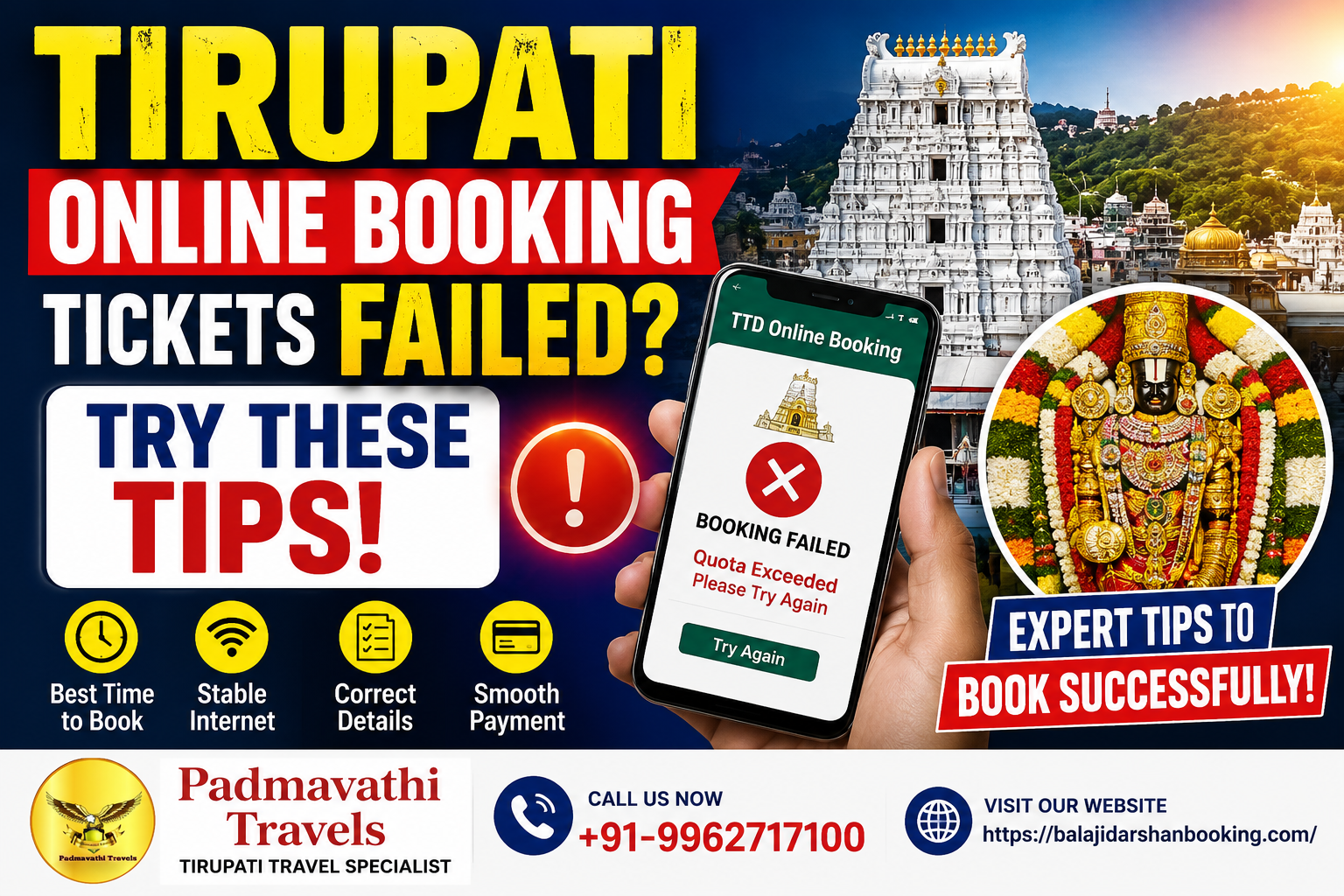
Why Do Tirupati Online Booking Tickets Fail?
Many devotees search online after seeing messages such as "Quota Exceeded", "Network Anomaly", "Session Expired", or "Payment Failed". Understanding the reasons behind these errors helps improve your chances of securing a successful booking during the next ticket release.
Most booking failures are caused by heavy demand rather than technical faults on your device. Fortunately, with proper planning and preparation, many of these issues can be avoided.
| Common Booking Problems | Why It Happens |
|---|---|
| Heavy Website Traffic | Thousands of devotees try to book tickets simultaneously. |
| Slow Internet | Weak internet interrupts login or payment. |
| Incorrect Personal Details | Wrong information causes booking rejection. |
| Payment Gateway Error | Bank or payment server delays. |
| Tickets Sold Out | Quota fills within minutes during ticket release. |
1. Heavy Traffic on the TTD Website
The official TTD Online Booking Portal receives a massive number of visitors whenever darshan tickets are released. Thousands of devotees attempt to reserve tickets at exactly the same time, which may slow down the portal or temporarily prevent successful bookings.
The highest demand is usually seen during the release of the following services:
- 300 Special Entry Darshan
- SRIVANI Trust Darshan
- TTD Accommodation Booking
- Seva Tickets
- Angapradakshinam
- Senior Citizen Darshan
How to Improve Your Chances
- Log in 15–20 minutes before the booking opens.
- Keep your browser active without refreshing repeatedly.
- Avoid opening multiple tabs or browsers.
- Stay signed in until the booking window opens.
2. Slow or Unstable Internet Connection
A slow internet connection is another common reason why TTD Darshan ticket booking fails. Even a brief interruption during login or payment may prevent your booking from being completed successfully.
Common issues caused by poor internet include:
| Common Problem | Result |
|---|---|
| Session Timeout | Booking process stops unexpectedly. |
| Payment Interruption | Transaction may remain incomplete. |
| Slow Loading | Important booking pages may fail to load. |
| Confirmation Delay | Ticket confirmation may not appear immediately. |
Recommended Internet Connection
- High-Speed Broadband
- Reliable Wi-Fi
- Stable 4G or 5G Mobile Network
- Avoid using Public Wi-Fi while making payments.
3. Incorrect Personal Information
Entering incorrect personal information is one of the most common reasons for Tirupati Online Booking failures. Even a small typing mistake can prevent your booking from being confirmed successfully.
Many devotees accidentally enter incorrect details while trying to complete the booking quickly during ticket release.
| Common Mistakes | Possible Result |
|---|---|
| Incorrect Aadhaar Number | Verification failure. |
| Wrong Mobile Number | Unable to receive booking updates. |
| Name Mismatch | Booking may be rejected. |
| Incorrect Date of Birth | Identity verification issues. |
| Invalid Email Address | Confirmation may not be received. |
Before Clicking the Payment Button
- Verify your Full Name.
- Check your Date of Birth.
- Confirm your Government ID Details.
- Verify your Mobile Number.
- Check your Email Address.
4. Payment Gateway Issues
Sometimes your payment may be deducted from your bank account, but the booking is not confirmed because of temporary banking or payment gateway issues.
This usually happens when the payment server is busy or the internet connection is interrupted during the transaction.
Possible Reasons
- Heavy Server Load
- Bank Timeout
- UPI Delay
- Network Interruption
Recommended Payment Methods
- UPI
- Debit Card
- Credit Card
- Net Banking
Never refresh the page or close your browser while the payment is being processed. Wait until the confirmation page appears before leaving the website.
5. Tickets Sell Out Within Minutes
One of the biggest reasons for TTD Online Booking failure is that the available quota gets filled within a few minutes after ticket release.
This is especially common during weekends, public holidays, school vacations, and festival seasons when demand is significantly higher.
Keep These Ready Before Booking
- TTD Account Login Credentials
- Government ID Proof
- Preferred Payment Method
- Stable High-Speed Internet Connection
Being fully prepared before the booking window opens can save valuable seconds and improve your chances of securing a confirmed booking.
For bookings and inquiries, contact us at:
- Phone: +91-9962717100
- Email: padmavathitravels1999@gmail.com
- Website: www.balajidarshanbooking.com
- Address: 18, 3rd Avenue, New Colony, Arumbakkam, Chennai, Tamil Nadu 600106.